AirScreen - AirPlay & Cast
Ionitech
Downloads
10,000,000+
Source
Google Play
Advertisement
Click to download now, finish the installation quickly, and directly unlock the all-round experience
Advertisement
Screenshots
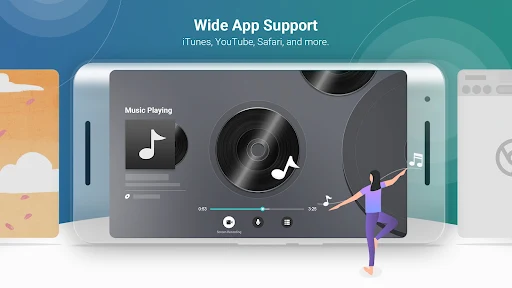
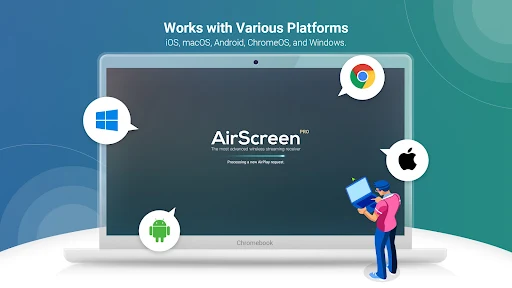
Click to download now, finish the installation quickly, and directly unlock the all-round experience
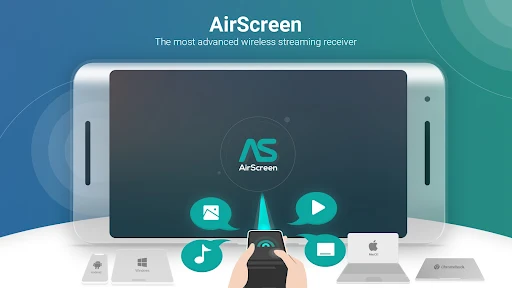
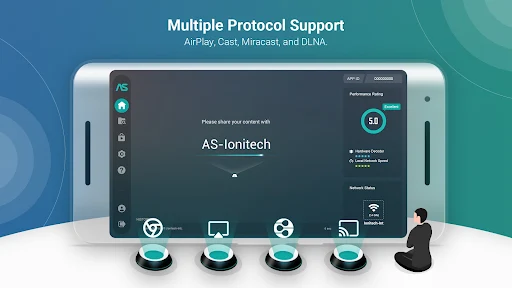
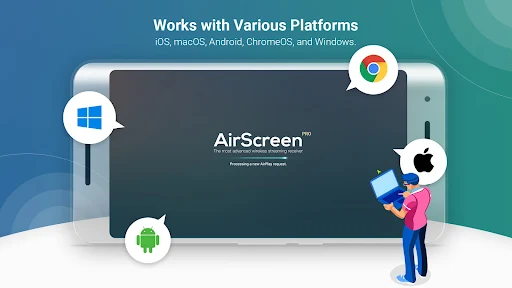
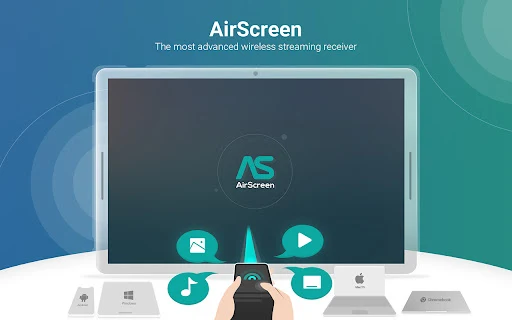
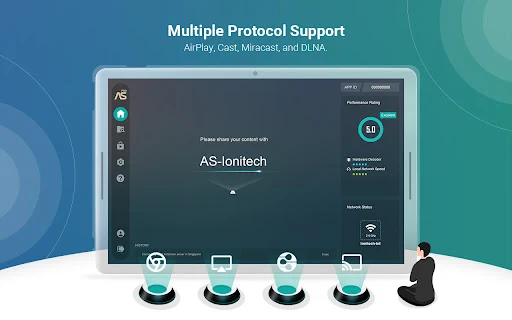
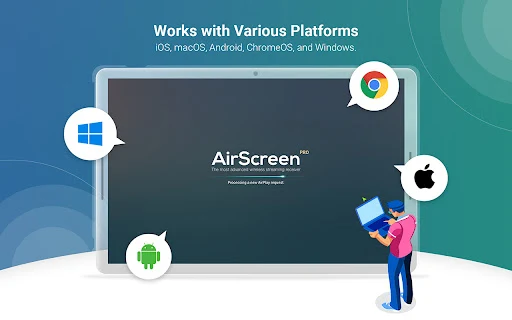
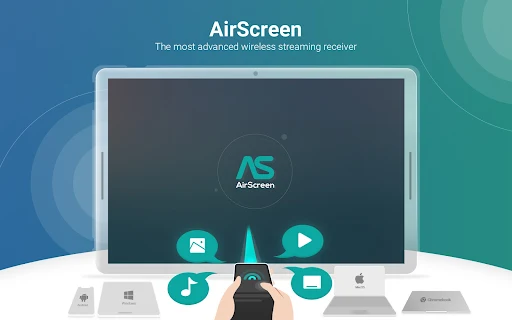
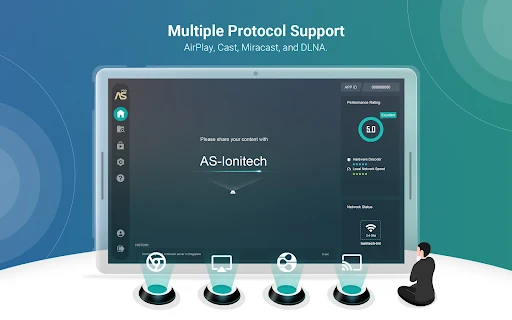
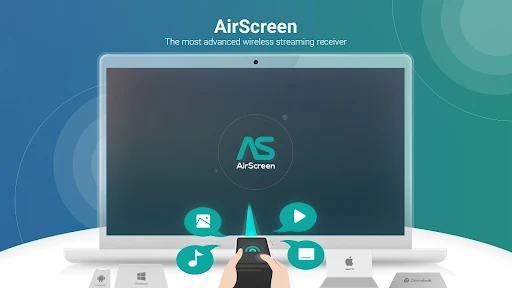
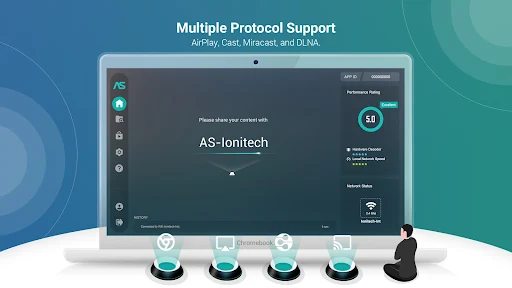
AirScreen - AirPlay & Cast turns an Android device into a wireless receiver for media from other devices. It supports AirPlay, Cast and DLNA, so it may suit households that want to send videos, music or other media to an Android TV or compatible screen. Ionitech also lists Miracast support, but notes that this feature is disabled on Android 8.0 and later.
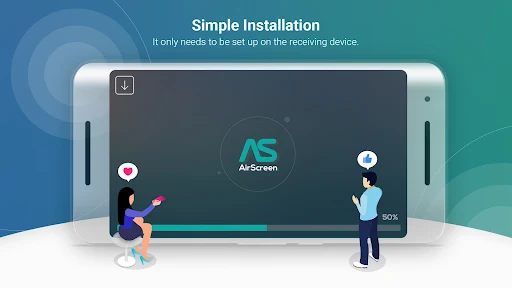
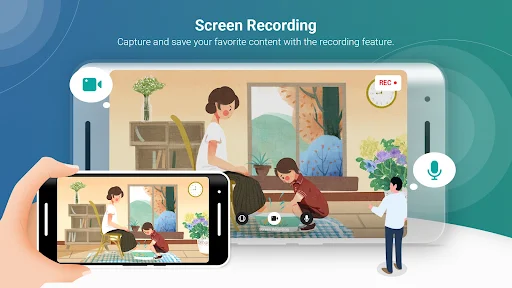
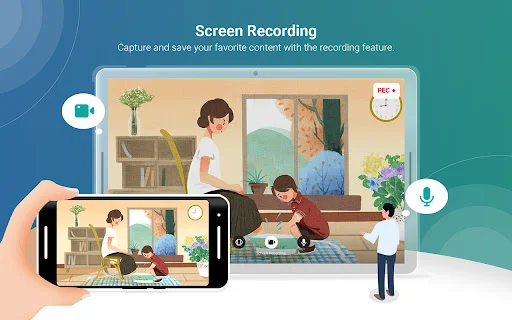
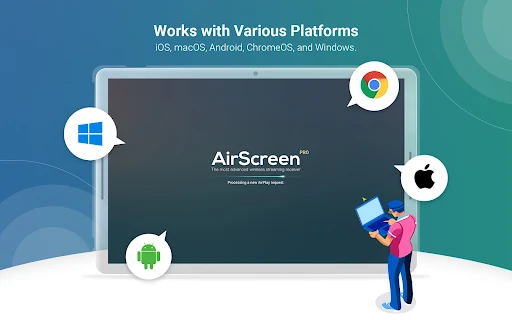
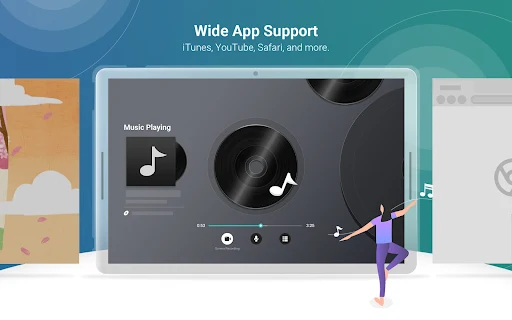
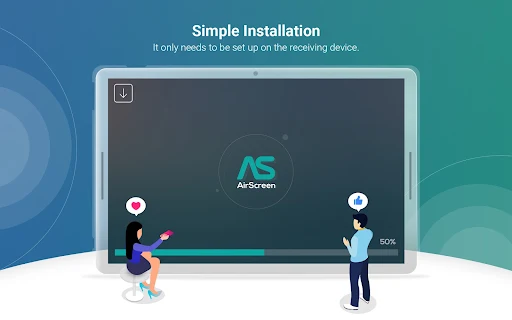
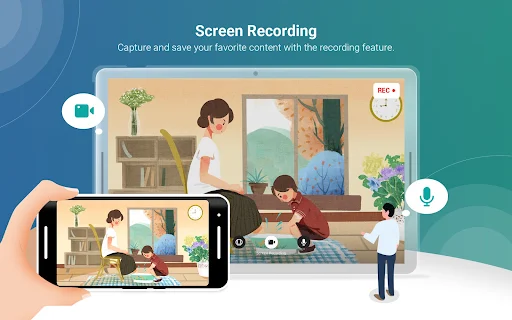
Choose AirScreen if you need one receiver app for devices that use different casting standards. It runs on the receiving device; the device sending content does not need AirScreen. The app also offers screen recording and video hardware acceleration, with support for playback up to 4K where the devices and content allow it.
Compatibility is the main uncertainty. Ionitech says some Android phones, tablets and Android TV models may not be fully supported, so AirScreen is a better fit if you can check it on your particular receiver rather than depend on guaranteed performance across every device. Miracast is not an option on Android 8.0 or newer.
AirScreen has broad protocol support and more than 10 million installs, but its rating is a caution: 2.25 out of 5 from 21,350 ratings. Choose it when you specifically need a multi-protocol receiver and your hardware is compatible. If reliability is your priority, or your devices do not match its supported setup, compare other casting apps before settling on it.